
5 Easy Ways to Keep Your Laptop Running Fast
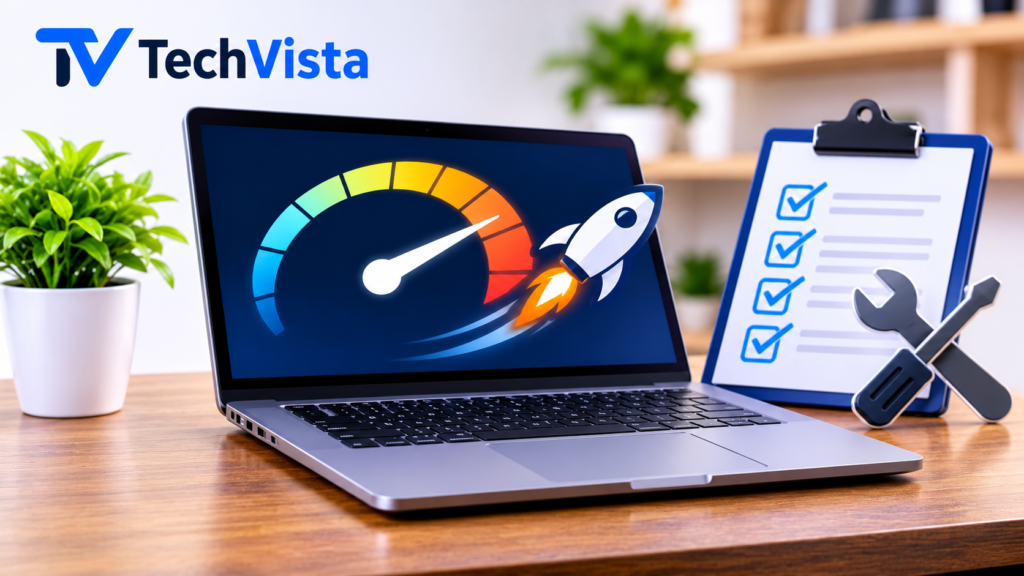
A slow laptop can make daily work frustrating. Over time, unnecessary files, outdated software, and too many apps can affect its performance. Here are five simple ways to make your laptop run faster. 1. Remove Unwanted Files Delete unused files, old downloads, and unnecessary applications to free up storage space. 2. Disable Startup Apps Some apps automatically open when your laptop starts. Disable unnecessary startup apps to reduce loading time. 3. Update Your Software Keep your operating system and applications updated. Updates can improve performance, security, and stability. 4. Check for Viruses Use trusted antivirus software to scan your laptop regularly and remove unwanted programs. 5. Restart Your Laptop Restarting your laptop regularly can help clear temporary issues and improve overall performance. Conclusion Keeping your laptop fast does not require complicated changes. Follow these simple tips regularly to improve performance and enjoy a smoother working experience.
How to Protect Your Personal Data Online

The internet makes everyday tasks easier, but sharing personal information online can create privacy risks. A few simple habits can help keep your data safe. 1. Use Strong Passwords Create unique passwords for your accounts. Avoid using the same password everywhere. 2. Enable Two-Factor Authentication Add an extra security step to protect your accounts, even if someone knows your password. 3. Avoid Suspicious Links Do not click unknown links in emails, messages, or websites. They may lead to fake websites or scams. 4. Keep Your Devices Updated Install software and security updates regularly to fix known security issues. 5. Use Secure Wi-Fi Avoid accessing sensitive accounts on public Wi-Fi. Use a trusted network whenever possible. Conclusion Protecting your personal data online does not have to be difficult. Follow these simple security habits to improve your privacy and stay safer online.